
Elevate Your Teacher Emails with Templates and Signatures

Teacher friends, if you want to create time-saving, professional emails, you're in the right place!
I'm sharing two easy ways to elevate your emails with templates and signatures.
Email Templates
As an ELA Special Education Teacher, I find myself sending different versions of the same emails to both parents and teachers every time we have an IEP meeting. I quickly became tired of typing and re-typing the same information. It was a huge time suck, and I knew there had to be a better way. That's when I did some searching and discovered the wonderful world of email templates in Gmail.
While email templates take a little time to set up, I promise you they will save both time and sanity! Here's how to set them up.


Email Signatures
You know how the story goes: if you give a mouse a cookie, he's going to want a glass of milk!
The same thing happens with teachers and technology. Once we discover a tool that saves us time, we're always looking for the next improvement. So, if creating email templates is the cookie, then adding a practical, eye-catching email signature is the glass of milk. 😊
Here's how to set up your email signature!


With just those few simple steps, you'll have a professional and practical signature in now time.
But if you want to get a little fancier ... I've got a resource for that too!
I have had an email signature for a few years now, but lately, I decided that I just wanted something a little bit EXTRA!
So, I got to work, and I'm sharing my "fancy" signatures with you below. Click here or on the photos below to snag them for yourself in my TPT store!
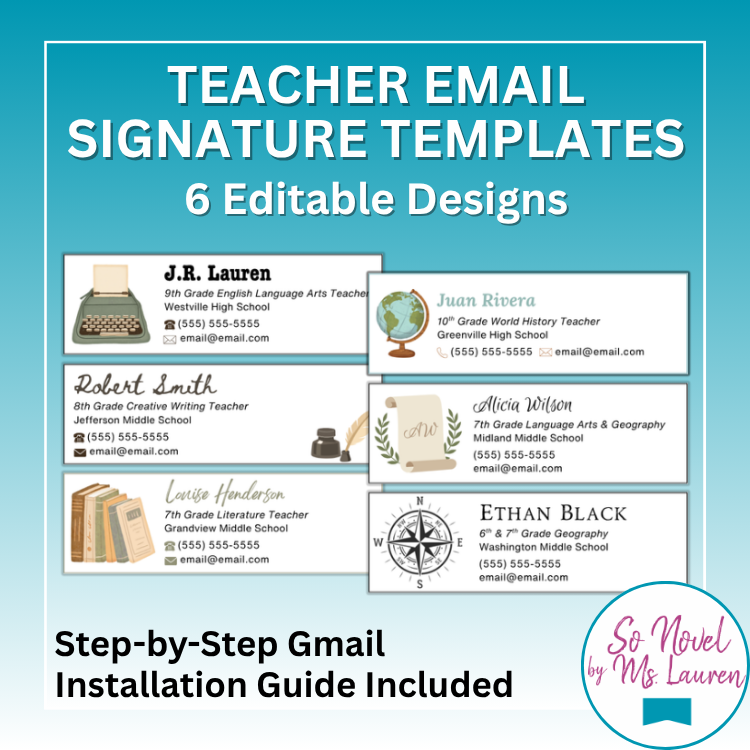

And with that, my friends, you now have all the information you need to create time-saving templates and fun and efficient signatures. Have fun elevating your emails!
Until next time,
Lauren


Comments